 Open Assets


One template, every size
Author an App Store screenshot once and render it for iPhone 6.9", 6.7", iPad, Google Play, Product Hunt and any custom dimension. No per-device rework.
Marketing assets as code
Open Assets is an open source App Store screenshot generator for your git repo. Design in HTML, CSS and SVG, preview live, and render every size for the App Store, Google Play and the web with one command.
npx @open-assets/open-assets initiPhone apps for Claude Code users, from the team behind Open Assets. They keep this project free.
Built with Open Assets
Every image below was rendered by the CLI from templates checked into each app's repo.
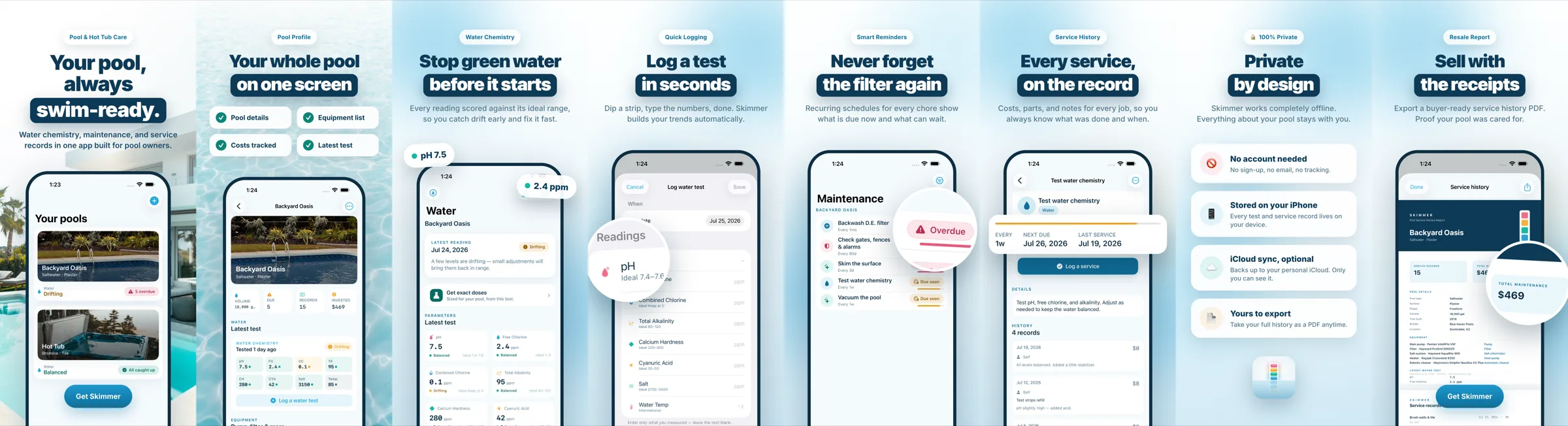
npx open-assets render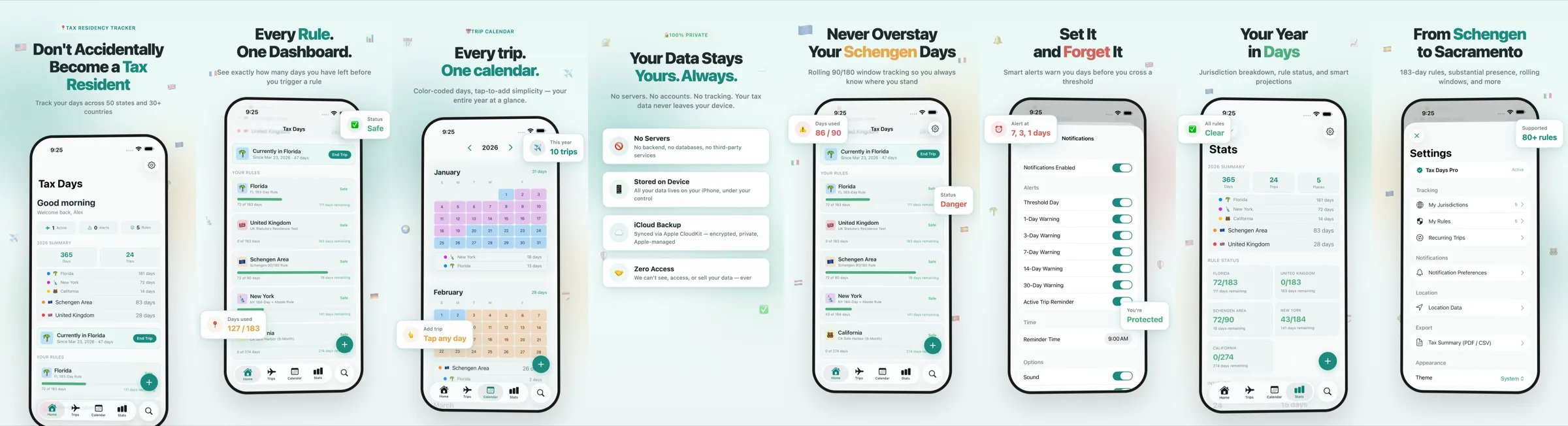
npx open-assets render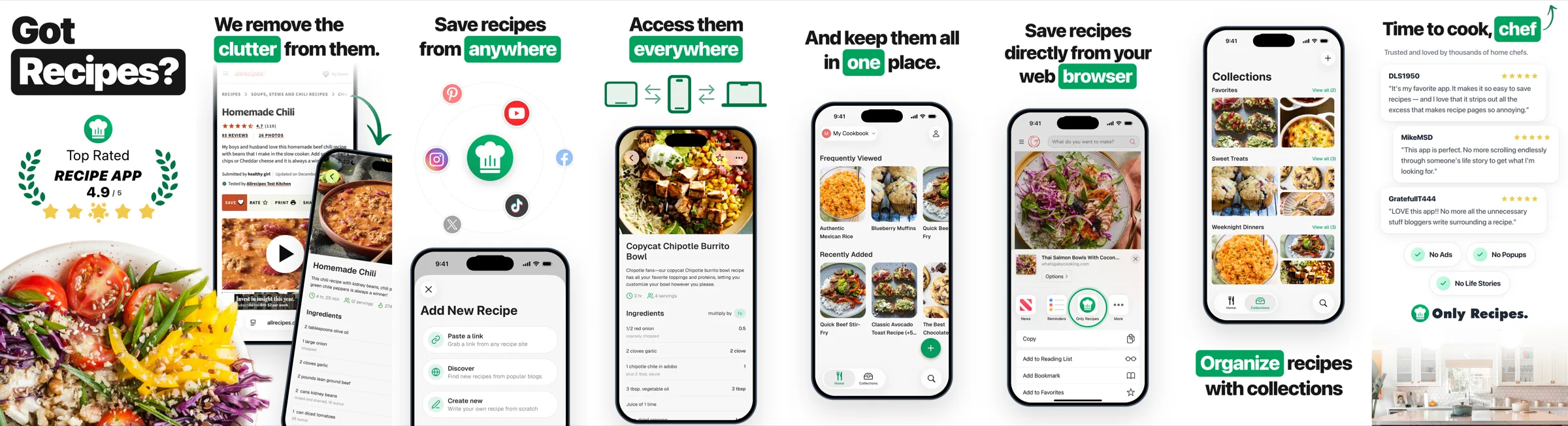
npx open-assets render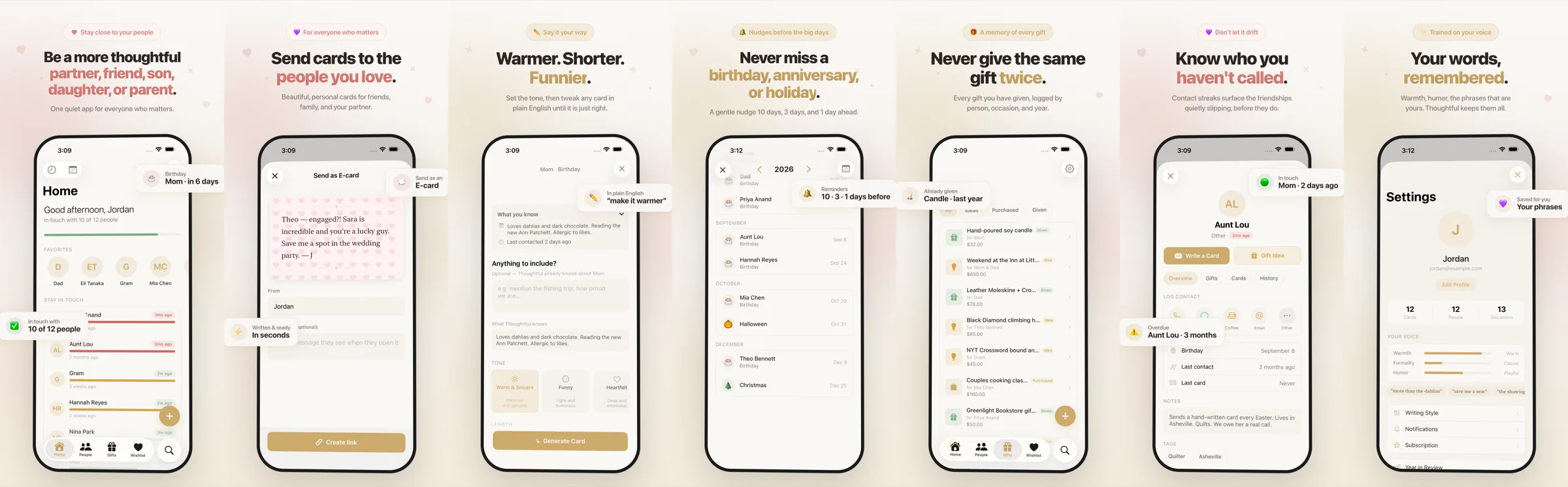
npx open-assets render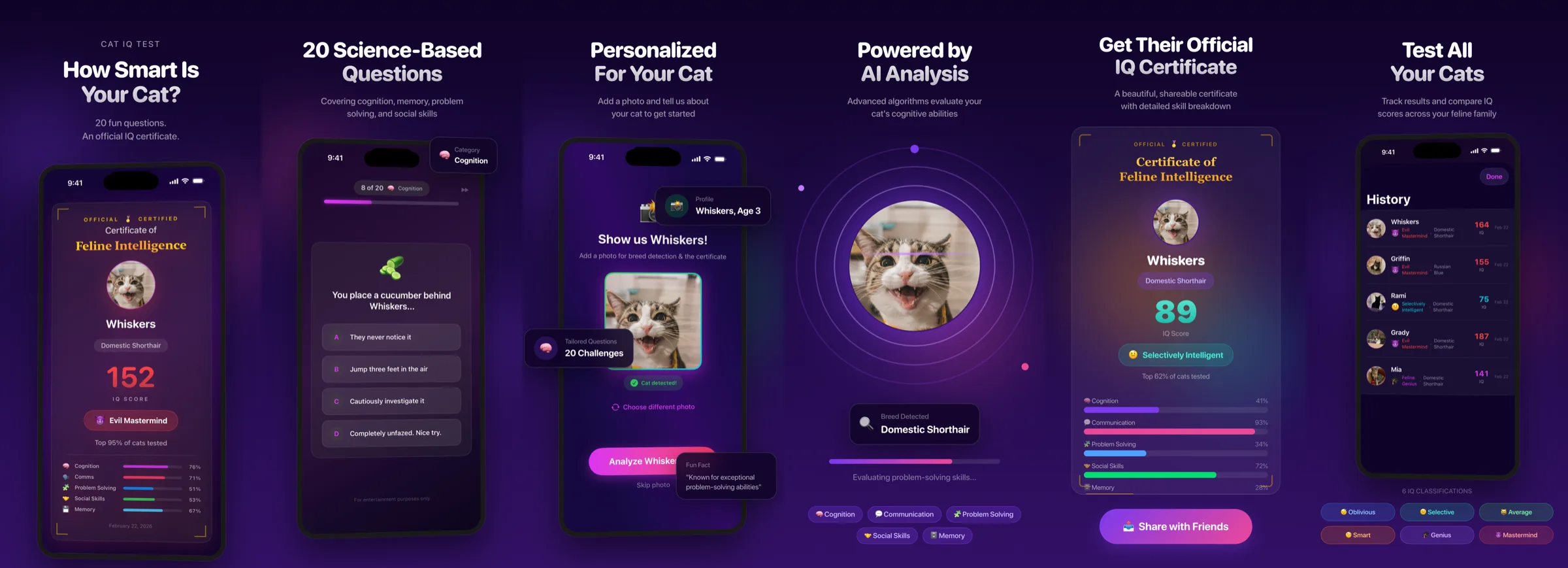
npx open-assets render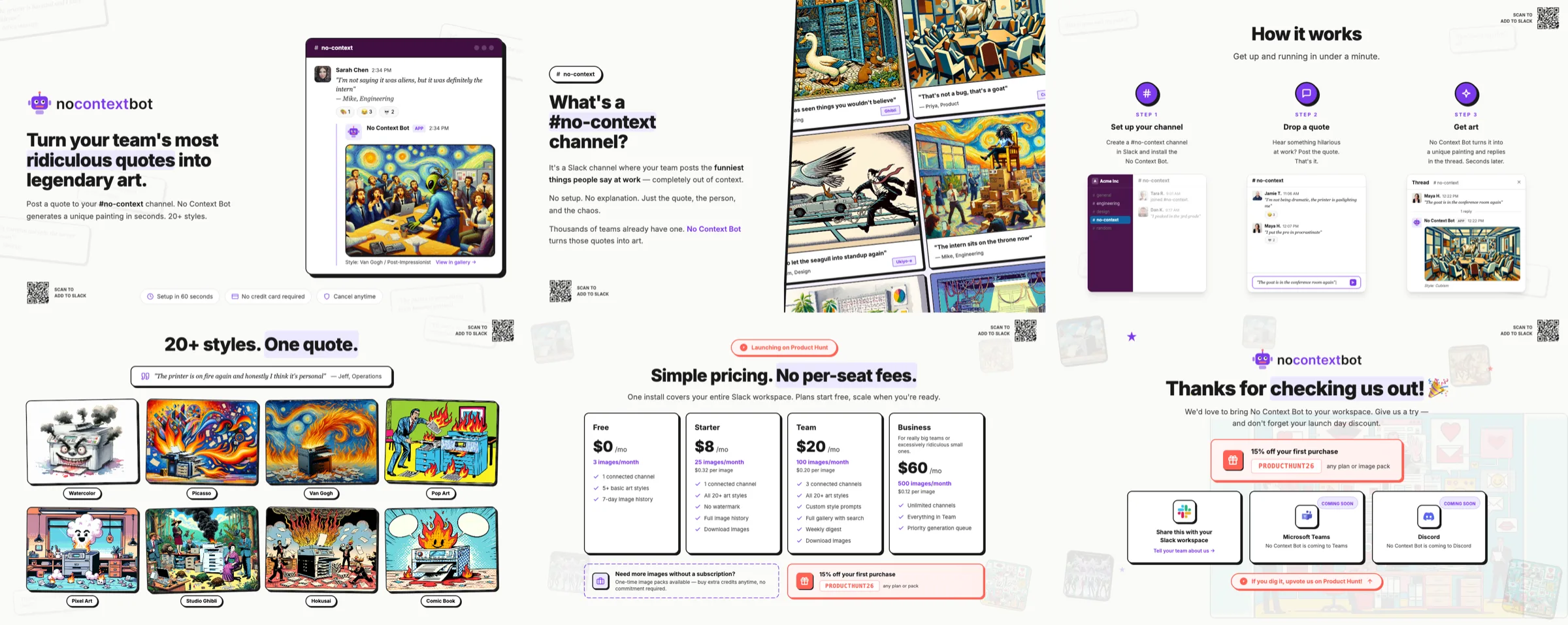
npx open-assets renderWhy Open Assets
One unified model: N templates × M export sizes. Change a template once and every screenshot, app icon and social image updates.
Author an App Store screenshot once and render it for iPhone 6.9", 6.7", iPad, Google Play, Product Hunt and any custom dimension. No per-device rework.
Write favicon.png into public/, send the OG image to your web app, and fill your Xcode .appiconset directly. Each size picks its own destination.
One template renders in every language with {{placeholders}}, locale-aware number formatting and automatic RTL layout for Arabic and Hebrew.
A Storybook-style UI with hot reload, zoom and pan, and one-click exports while you iterate on templates.
No SaaS and no per-seat design tool. Review screenshot changes in a pull request and re-render on every push with GitHub Actions. assets.lock skips anything unchanged.
Ships a Claude Code skill so your coding agent can design, localize and render the entire App Store asset set for you.
How it works
Each entry in a collection's export array is a size or an output action. A single template renders to all of them in one pass, and unchanged templates are skipped.
"export": [
  { "name": "iphone-6.9", "size": { "width": 1320, "height": 2868 } },
  { "name": "iphone-6.7", "size": { "width": 1290, "height": 2796 } },
  { "name": "favicon", "size": { "width": 32, "height": 32 },
    "outFile": "public/favicon.png" },
  { "type": "xcode", "path": "../MyApp/Assets.xcassets/AppIcon.appiconset" }
]Write screenshots, icons and banners as HTML, CSS or SVG. Use any font, gradient or image you like.
npx open-assets dev opens a hot-reloading gallery of every template at every size.
npx open-assets render writes PNGs to exports/, your web app and your Xcode asset catalog.
Get started
npm install --save-dev @open-assets/open-assetspnpm add --save-dev @open-assets/open-assetsyarn add --dev @open-assets/open-assetsbun add --dev @open-assets/open-assetsnpx open-assets initnpx open-assets devnpx open-assets renderOnly changed templates re-render, locally and in CI.
Install the skill once and ask your agent for a full localized screenshot set.
/plugin marketplace add Parra-Inc/open-assets/plugin install open-assets@open-assetsFAQ
Open Assets is a free, open source CLI and dev server for generating app marketing assets: App Store screenshots, Google Play screenshots, app icons, favicons, OG images and social banners. You design each asset as an HTML, CSS or SVG template in your repository and render it at every size you need.
Add one template per screenshot and list the export sizes you need in assets.json, for example iPhone 6.9" (1320×2868), iPhone 6.7" (1290×2796) and iPad 13". Running npx open-assets render produces a PNG for every template at every size.
Yes. Design the icon once at 1024×1024, then export 512, 192, 180, 32 and 16 pixel variants, write favicon.png straight into your web app, and fill an Xcode AppIcon.appiconset in the same pass.
Yes. Templates use {{placeholders}} backed by per-locale strings, with locale-aware number formatting and automatic right-to-left layout, so one template renders for every App Store language.
Yes. It is MIT licensed, runs locally with Node.js 18 or newer, and has no account, subscription or upload step.
Your assets live as code next to your app. They are diffable in pull requests, rendered in CI, reproducible on any machine, and easy for an AI coding agent like Claude Code to edit.
Free, local and MIT licensed. Your marketing assets finally live next to your code.